Streaming Playback

Hear it like the listener will

Sound Credit plays your files in a sleek, streamable experience across devices so you can review your music with real-world context, right away.

Start for free

Plays like a streaming app

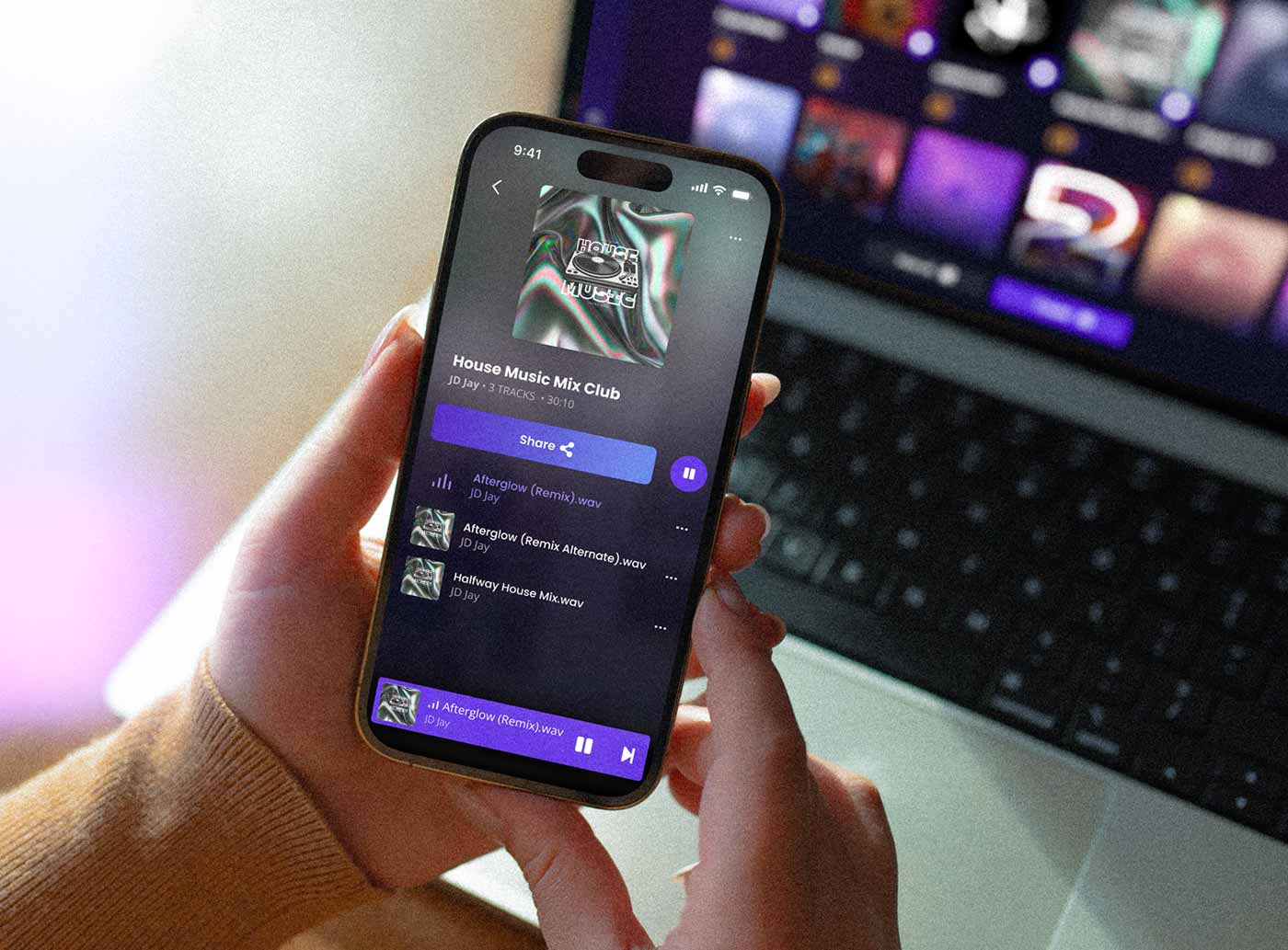
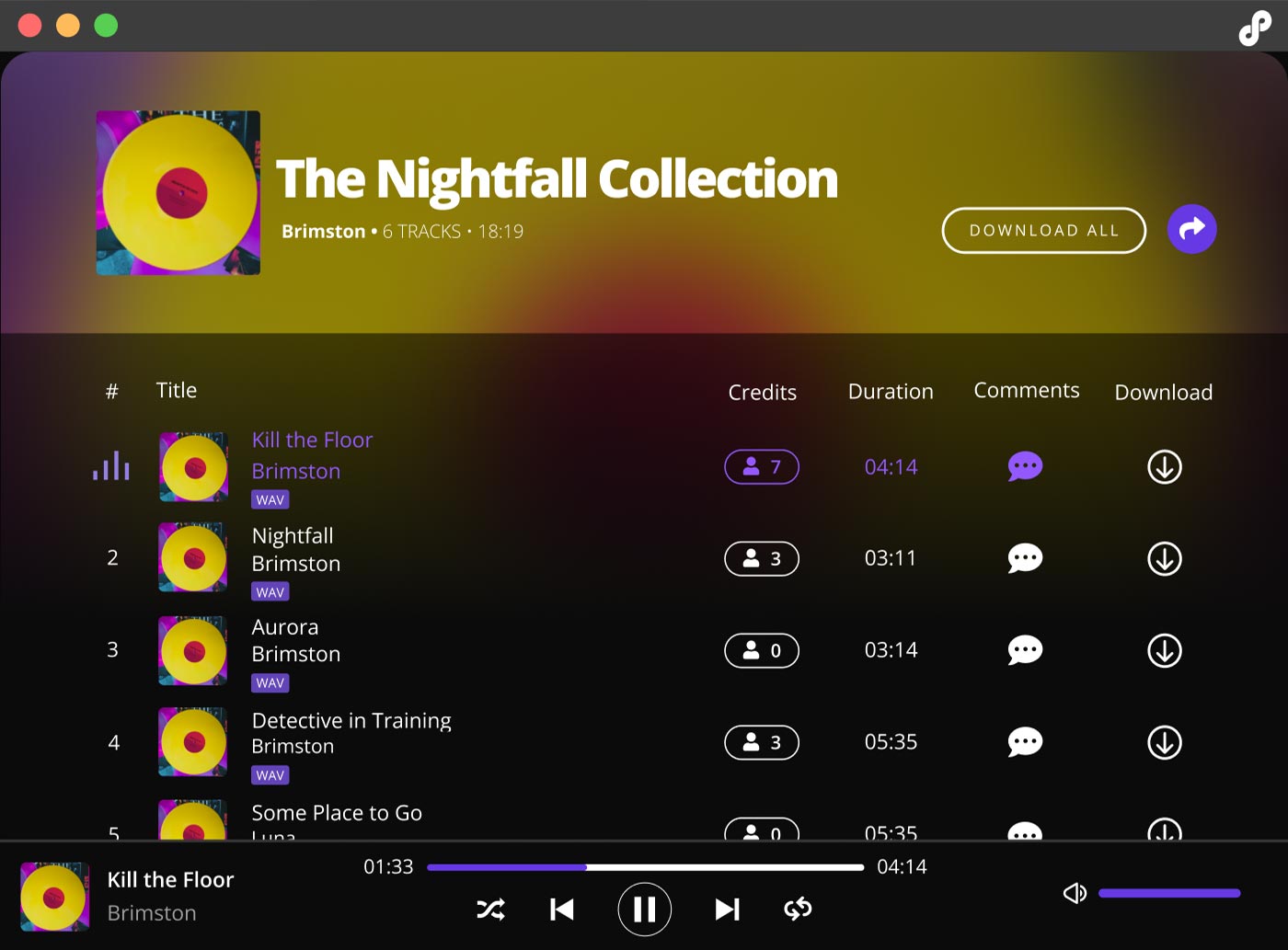
Sound Credit plays your files the way listeners expect. Album art, track titles, and seamless playback give your collaborators the context they need. Whether you're on mobile, web, or desktop, it feels like a music platform. Just like when it gets released.

Start for free
One click. Full album playback.

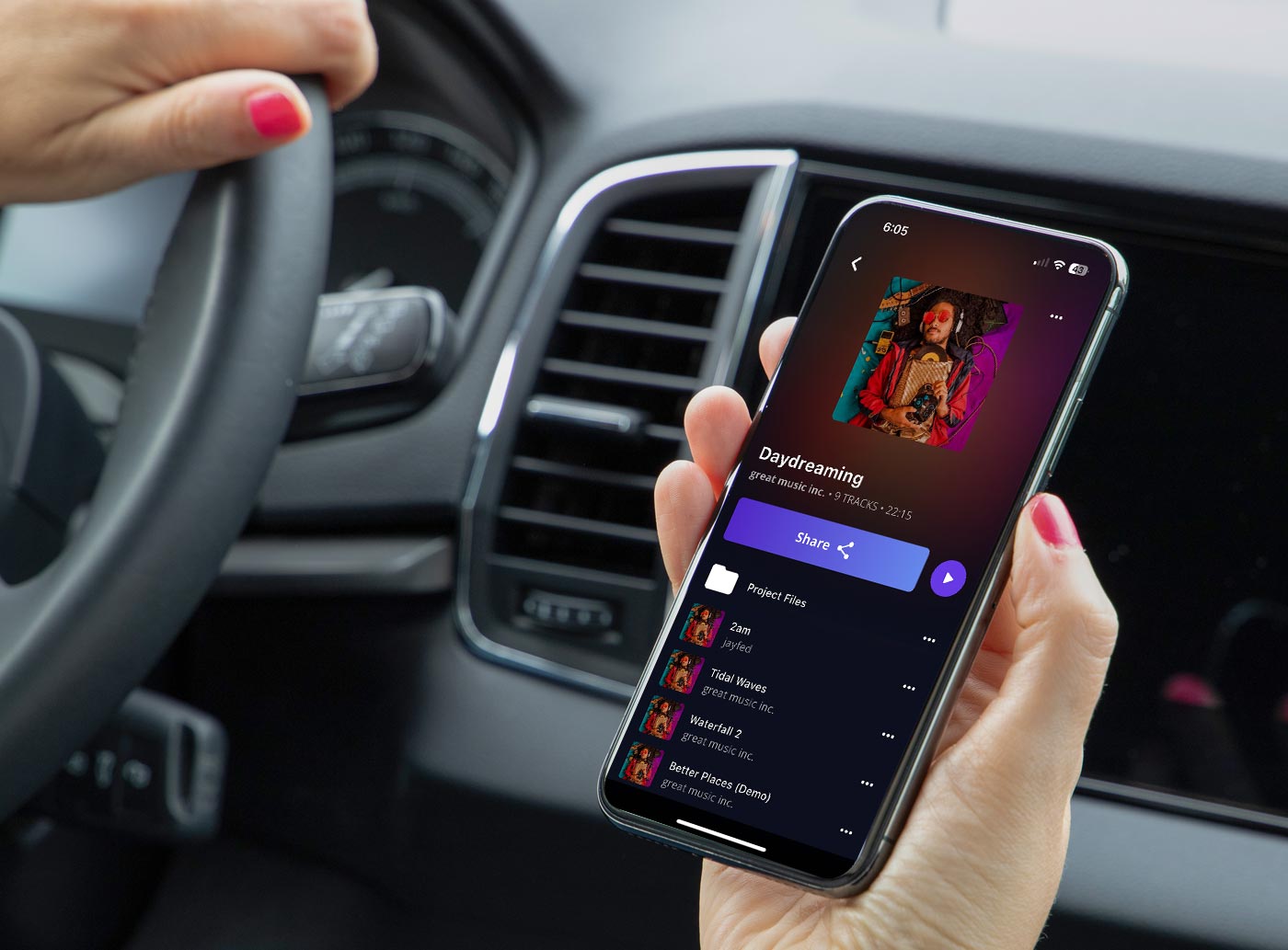
Play every track in your project in order continuously (and gapless on mobile). Perfect for reviewing full albums or EPs. No clicks between songs. Just press play and listen like it’s already released.

Start for free
Lossless where it counts

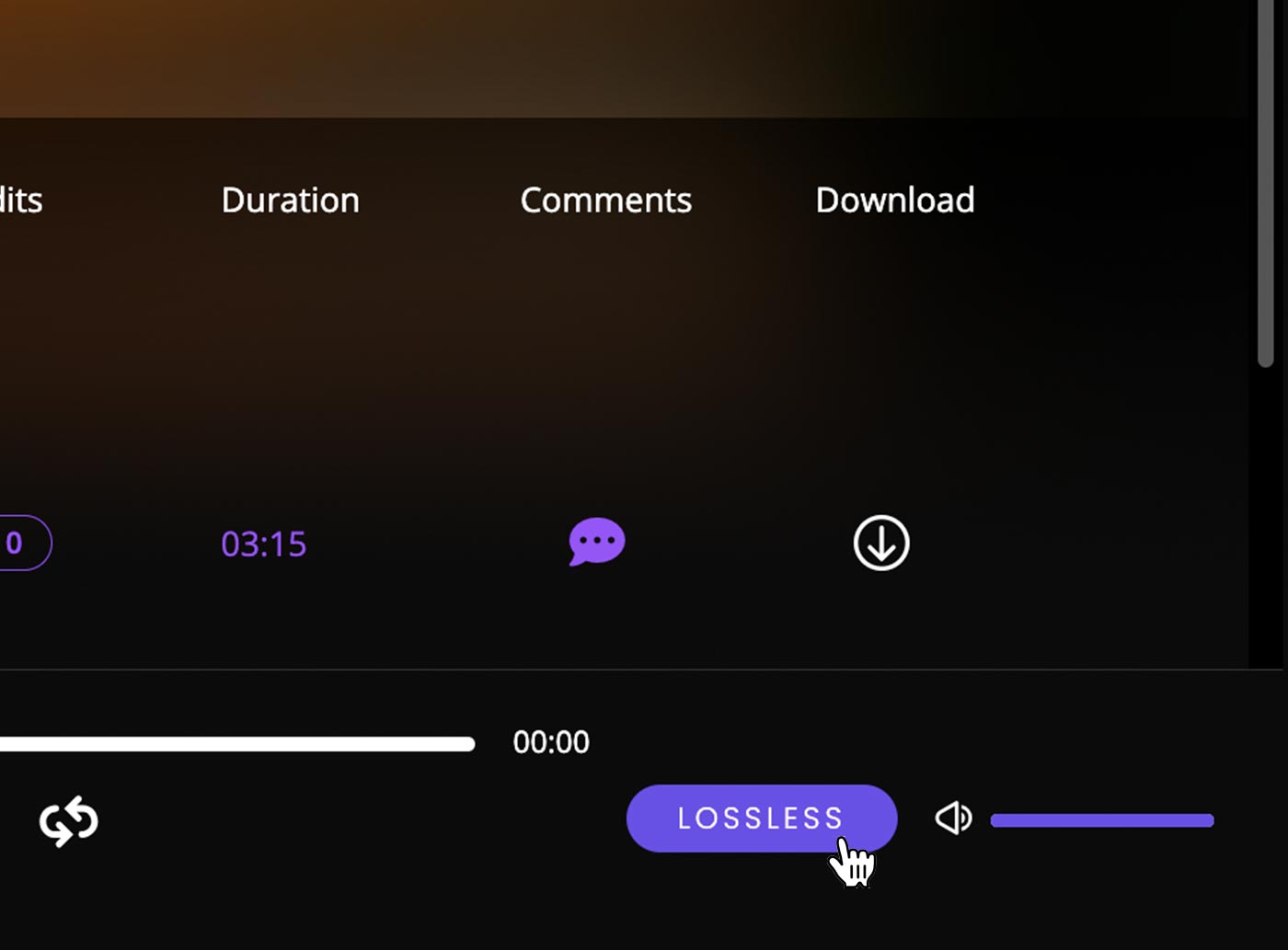
Hear exactly what you exported, without artifacts or approximation. In a project, Sound Credit's audio player defaults to lossless audio for wav and flac files, but you can switch to lossy. In a "share link" for people outside of your team, the player defaults to compressed audio for fast loading. But with one click, the listener can switch to full lossless playback on Mac, PC, or web browser. (Details below.)

Start for free

Frequently asked questions

We're here to help with any questions you have about streaming playback.

What file formats does Sound Credit support, and can it handle large files?

Sound Credit supports a wide range of file formats and is designed for music and media creators who need flexibility and reliability. You can upload any file type (including DAW session files and other docs) to Sound Credit for sharing and storage. When a collaborator is granted permission to download, they get the same file that was uploaded.

Playback is supported for many audio and video formats, and depends upon the "Lossless" toggle switch:

For audio, Sound Credit supports the upload of these lossless and lossy files: .wav, .flac, .aiff/.aif, .alac, .m4a, .mp3, .aac, .ogg, .aifc, and .wma. For .wav and .flac, the same lossless file that was uploaded plays back with no transcoding (same bit/sample rate, on compatible web browsers). For other formats, or when the Lossless toggle is turned off, a lossy .mp3 derivative file plays.

For video, Sound Credit supports the upload of .mkv, .mov, .avi, .mp4, .webm, .flv, and .wmv files. For playback, video is transcoded to MP4, 360p, H.264 @ 5 Mbps, with AAC audio (96 kbps, 48 kHz). When the upload was MP4, users may switch on the Lossless toggle to stream videos in their full original quality.

For images, .jpg and .png files are supported for image previews when sharing playlist links.

Sound Credit is also built to handle large files, making it easy to share single tracks, full albums, videos, or even Dolby Atmos files without size limitations, empowering creators to collaborate without constraints.

Is playback gapless?

Mobile playback is gapless. Desktop and mobile stream each track continuously with no extra manual clicks.

Can I loop a specific section?

Yes. In the Comments & Markers view, you can loop any time range or labeled section.

Will shared links stream as well?

Absolutely. Shared links stream instantly in the browser, with no install or sign-up needed.

How do I test how my song sounds in the car or on earbuds?

Save to a synced folder, open your phone, and stream instantly. It’s car-test ready without the export/upload shuffle.

Is the streaming player styled like a music service?

Yes. It’s intentionally designed to feel like popular music platforms, so you hear and feel your music in a familiar, client-ready setting.

 Is the lossless playback really my original file?

Yes. Lossless playback streams the original file you uploaded, bit for bit.

Try Sound Credit free

Start for free